
Modern Joint Accounts For Modern Relationships
Fight finances together in co-op mode with 2Up. Add your Player 2 in just a few taps, then join forces to battle bills, save for shared goals, track spending and split expenses. Ready to play?
 2-player enabled
 1-player private
 Quick in-app set-up
 Easy in-app closure

Keep your secrets share the budget
2Up gives you a separate world to manage money together. Work together with a shared debit account, joint Savers and instant digital cards. But don’t sweat it, your personal Up accounts stay yours, so there’s no need to expose how much you’re spending on sweet treats.
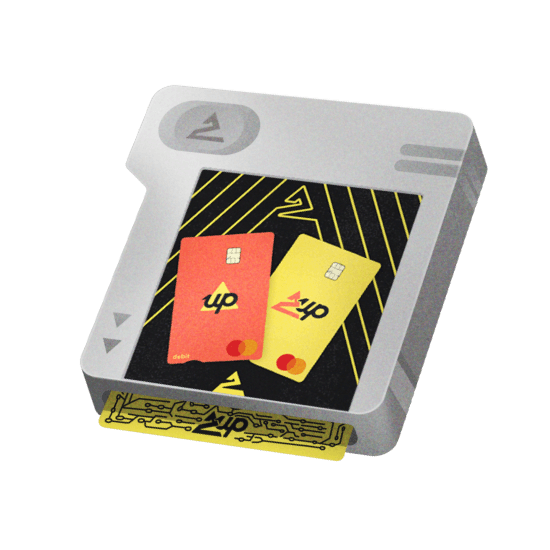
2Up Physical & Digital Cards
See who’s spending
You and your Player 2 each get your own unique 2Up digital card, ready to use in-app, with physical cards available too. Every purchase shows who made it in your 2Up Activity feed, so you’ll always know who bought what, and whose turn it is to explain themselves.
2Up Savers, Home Deposit Saver & Up Home
Save Together As a Team
2Up is more than a shared account, it’s a collaboration. With your powers combined, easily save together for whatever’s on the horizon. Create 2Up Savers for anything you like, start a Home Deposit Saver, or when you’re ready to buy, take the next step with Up Home.
Essentials & Insights
Bills & Budgets in Co-Op
2Up gives you both the same view of your spending, so you’re always on the same page. Keep money for shared bills and regular expenses separate in Essentials, so it’s ready when they’re due. Then add Trackers to your categories to help stick to the spending game plan.

Share More Transfer Less
Two heads are better than one. Set up Auto Transfers to pay a regular allowance or automatically contribute the same amount to 2Up. Set it once, share the load, and let your budget take care of itself.


2Up Joint Accounts
Tap the 2Up banner on your Up tab to invite your Player 2
If your Player 2 isn’t an Upsider, send them an invite through Hook Up a Mate first.
With 2Up, you're able to use all the regular Up payment features except payment requests and International payments.
International payments have to be linked to individual Wise account holders, so you’ll need to use your own Up account for those.
You will both see every purchase made on your 2Up Spending account, and each purchase will show who bought what. If you contact our Support team, you can choose to both be included in the chat.
And of course, your own Up accounts are completely your own. Neither of you can see, smell or touch the other person’s main Up account.
At this point, 2Up is for two Upsiders only, and each Upsider can be part of one 2Up at a time. Shared accounts (for more than two people) are planned for the future.
So if you had a 2Up with your flatmate you’ll need to shut it down before you make a fresh account with your new Player 2.
You both have full access to spend, transfer or make payments with money in 2Up without requiring permission from each other..
It's important you only join 2Up with someone you know well and trust. Only add money to 2Up you're happy for either of you to spend.
Your 2Up Everyday account is a spending account and does not earn interest. But your 2Up Savers and 2Up Essentials Savers are eligible to earn interest once you and your partner have made 5 successful purchases between you in a calendar month.
Once activated, interest applies across both your personal Up Savers and Essentials Saver, as well as your shared 2Up Savers and 2Up Essentials Saver:
- Grow Rate (SAVERS_GROW_RATE% p.a. up to GROW_SAVERS_AGGREGATE_CAP) on Savers you leave to grow without any withdrawals for the month.
- Flow Rate (SAVERS_FLOW_RATE% p.a.) on Savers you spend, transfer, or withdraw from.
- Essentials Savers earn the Grow Rate up to a balance of $5K, and the Flow Rate on any balance above that.
Interest is calculated daily and paid monthly. Everyday accounts do not earn interest.
Read the full conditions. For more info on Grow & Flow, see: up.com.au/grow-flow
As soon as your 2Up is empty and all 2Up Savers have been closed, either one of you can close it. Just a few taps and you’re a lone ranger once more.